From image or description to precise DXF ready for production
Upload an existing image or describe in words — AI generates optimal cutting paths for any CNC, laser, plasma, or router machine.
Secure PayPal checkout
Our AI generates optimal and smooth cutting paths
Dedicated AI technology that learns and deciphers complex shapes to generate smooth cutting paths, without 'noise' or unnecessary lines.
Smooth Lines
Algorithm smooths and cleans every line for perfect results
Continuous Paths
Auto path closure to prevent cutting stops
Zero Noise
Filters unnecessary points and pixels that disrupt cutting
Simply describe in words what you want to produce
Upload an image file or describe in free text. Our AI will create smooth and optimal cutting paths for any CNC machine, laser, plasma, and any type of router.
How does it work?
3 simple steps from your idea to machine cutting
Choose how to start
Upload an existing image (logo, sketch or photo) or simply write in free text what you want to produce — e.g. "Star of David with floral ornaments" or "Door sign with family name".
AI creates & optimizes
Our advanced algorithm builds the vector from scratch or cleans the existing image. It smooths lines, closes paths and ensures continuous, optimal cutting paths without "noise".
Download ready DXF file
Get a standard, clean and precise file that is 100% compatible with all CNC, laser and plasma software — RDWorks, LightBurn, AutoCAD and more.
Why choose DXFai?
5 rules that make us the choice of professionals
Smart Geometric Accuracy (AI-Native)
Unlike regular converters, our AI understands shapes. It generates smooth arcs and continuous paths, preventing laser head "jumps" and protecting your machine.
From Imagination to Machine (Text-to-DXF)
The only tool that lets you create a complex drawing simply by describing it in words. No image? Just write what you need, and the AI will draw it for you.
Cutting Path Optimization
Our files undergo automatic "cleaning" from unnecessary nodes and visual noise, so you get a "lean" and fast-to-process DXF file.
Massive Time Savings on Editing
Forget hours of tedious work in AutoCAD or Illustrator to close paths. With DXFai, the file arrives ready to work (Ready-to-Cut).
Access from Anywhere
No heavy installations and no need for powerful hardware. Upload an image from your smartphone in the field or from your office computer, and download a file within seconds.
Compatible With All Standard Software
Software names are registered trademarks of their respective owners. DXFai is not affiliated with or endorsed by these companies.
See it in action
Image to Lines, AI Portrait, AI Create — all in one demo
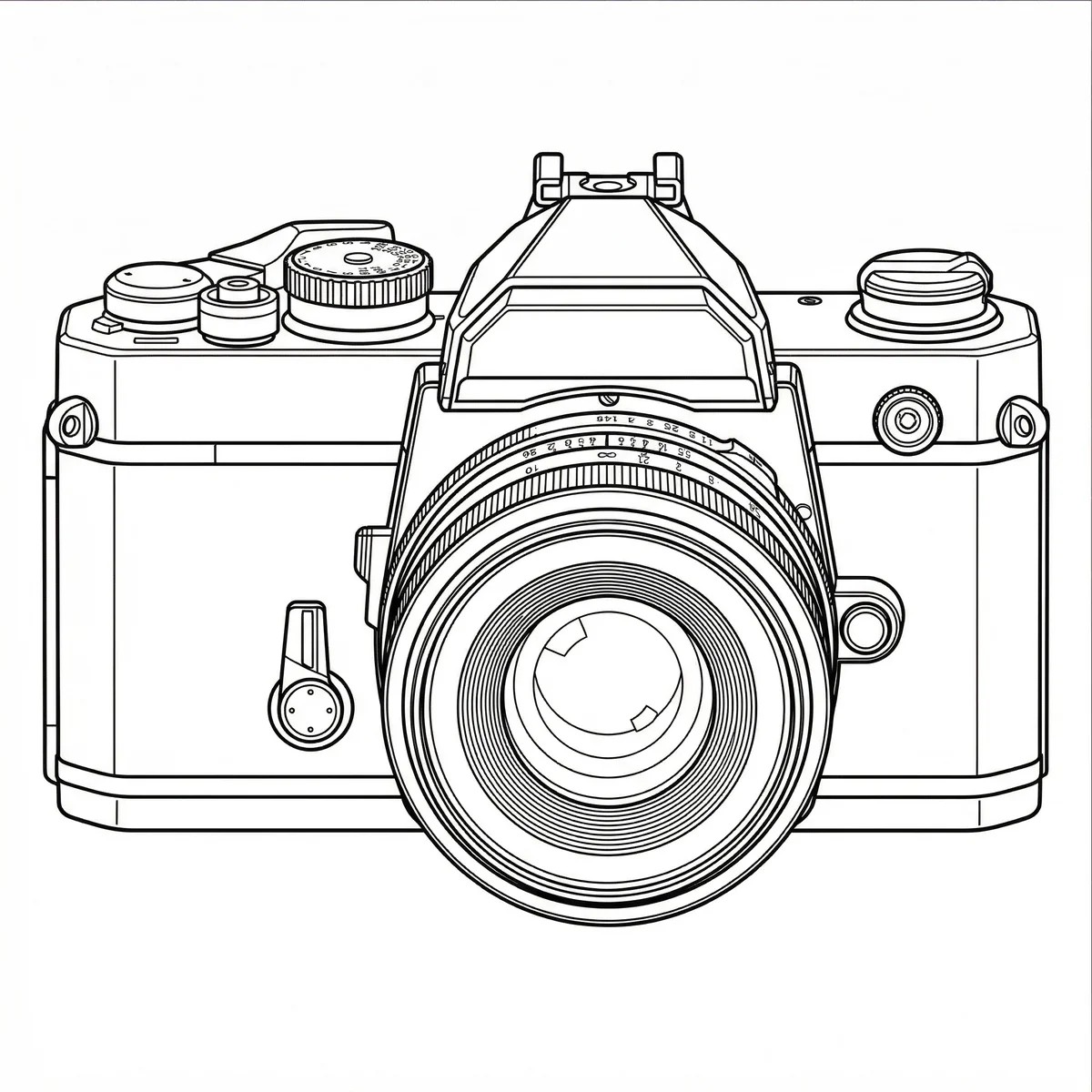
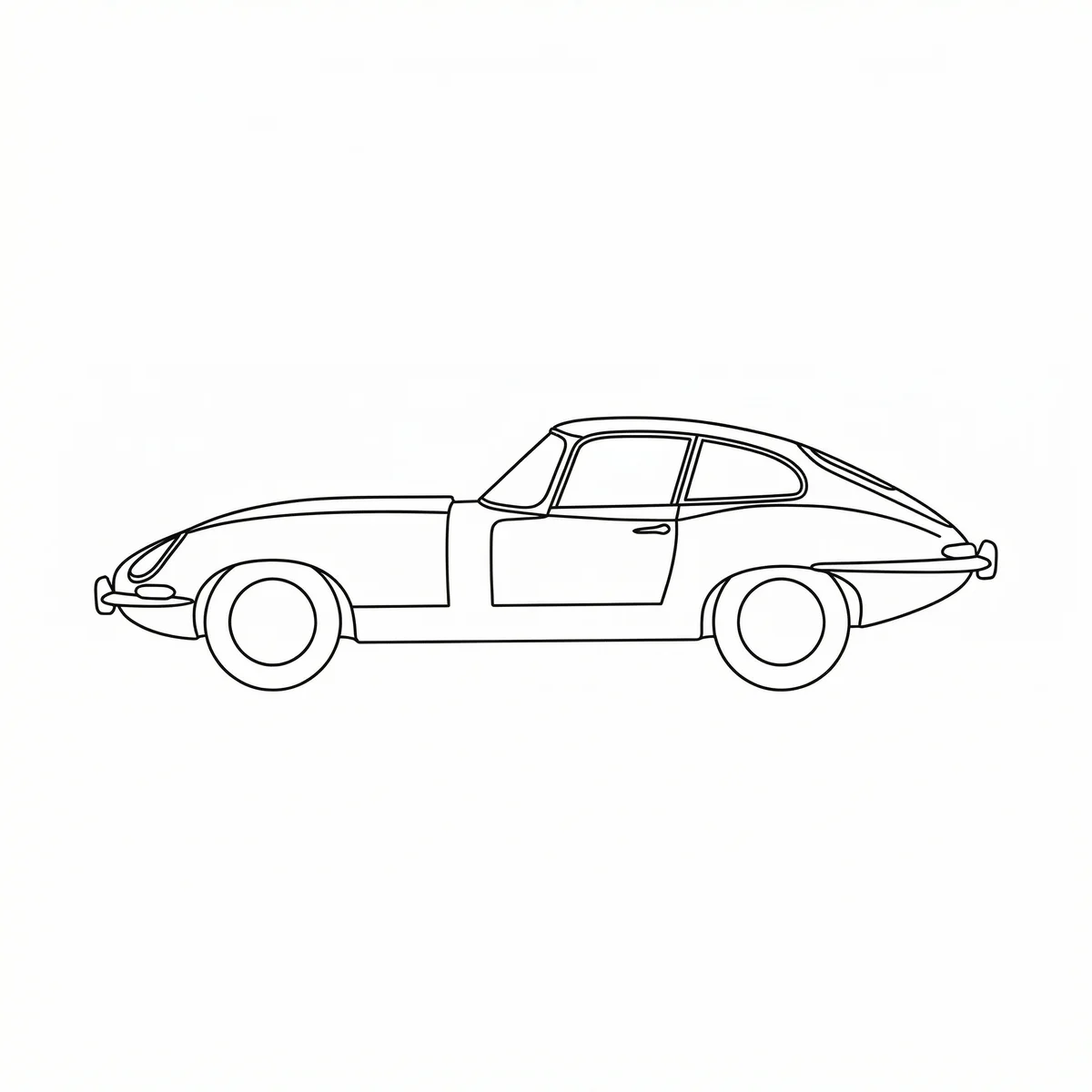
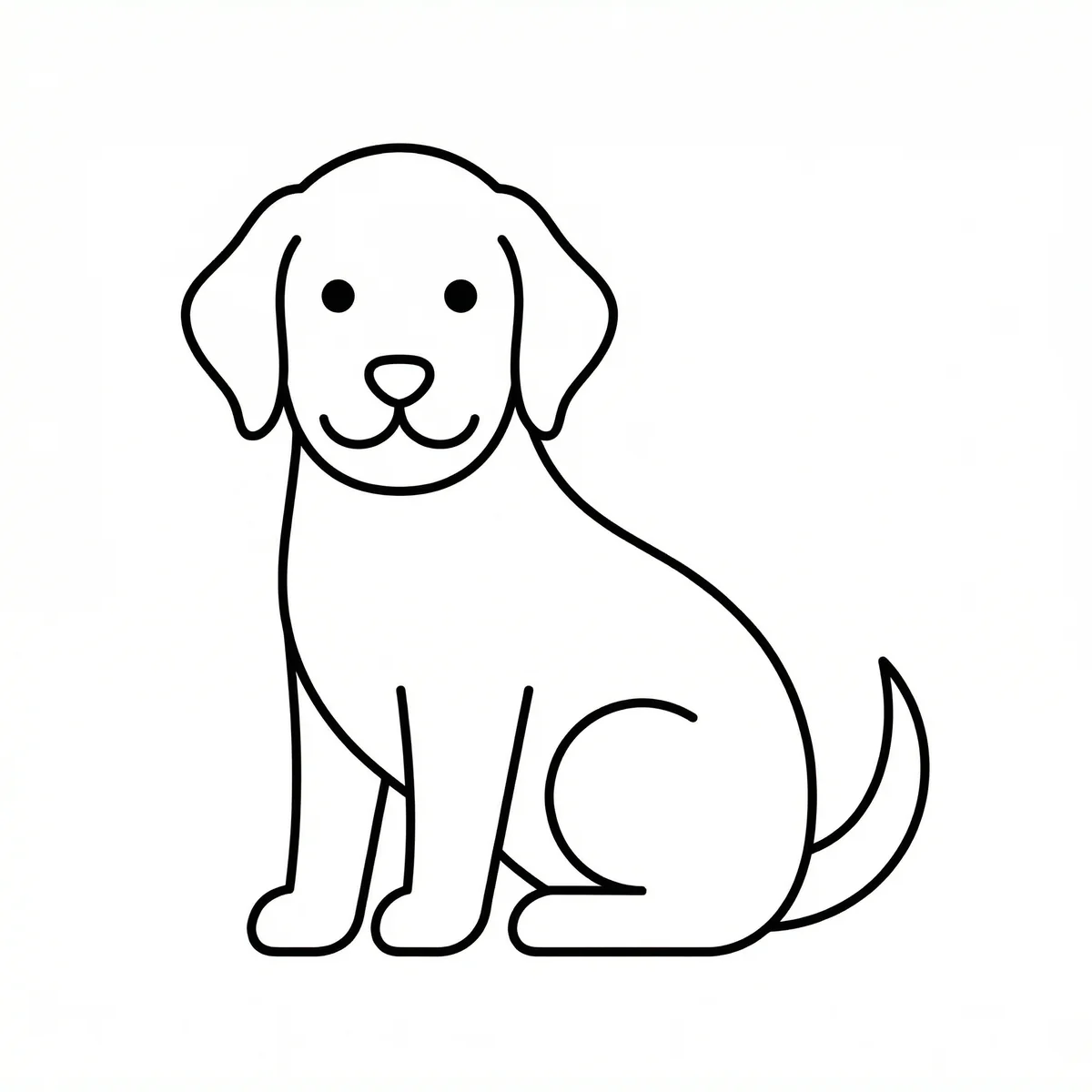
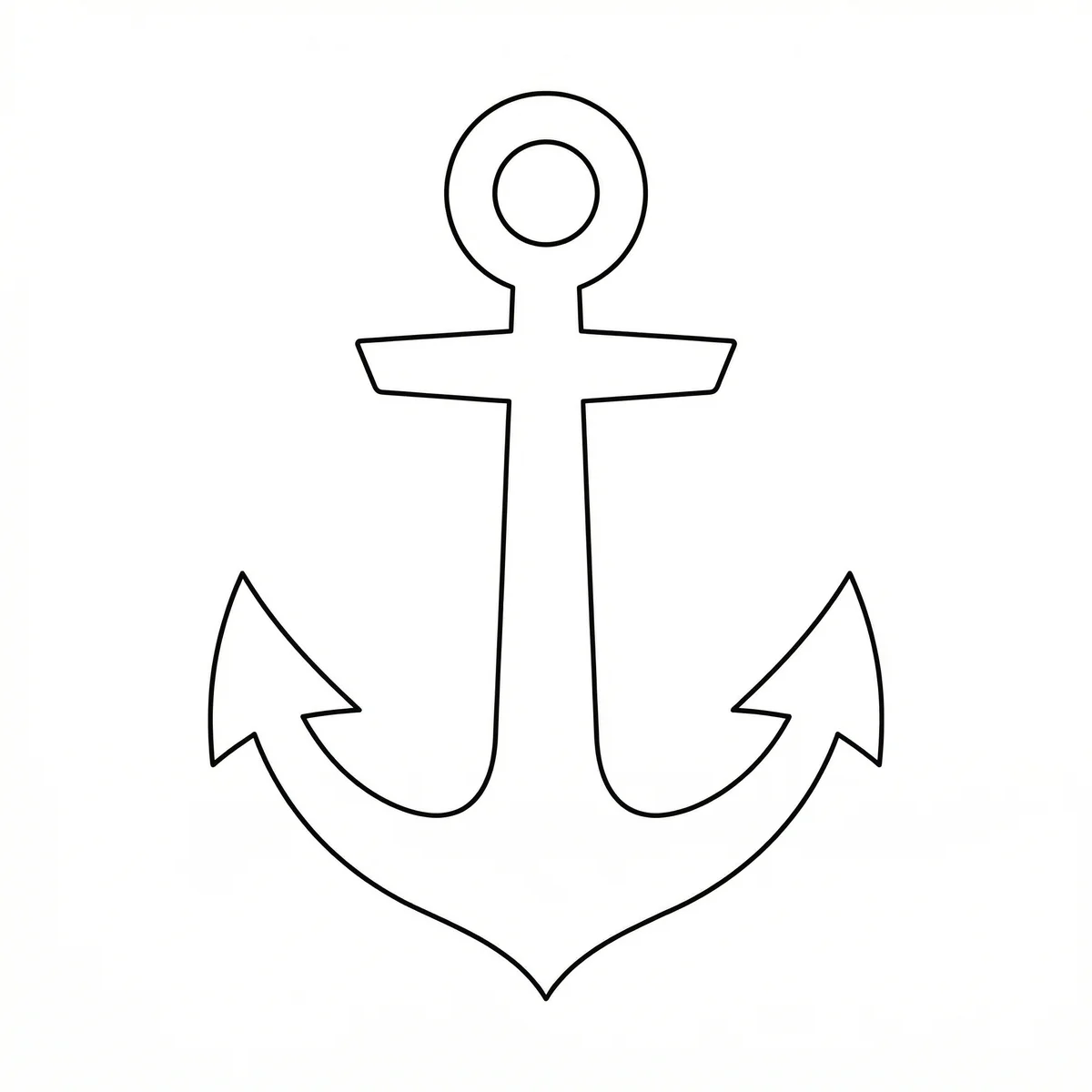
Before & After Examples
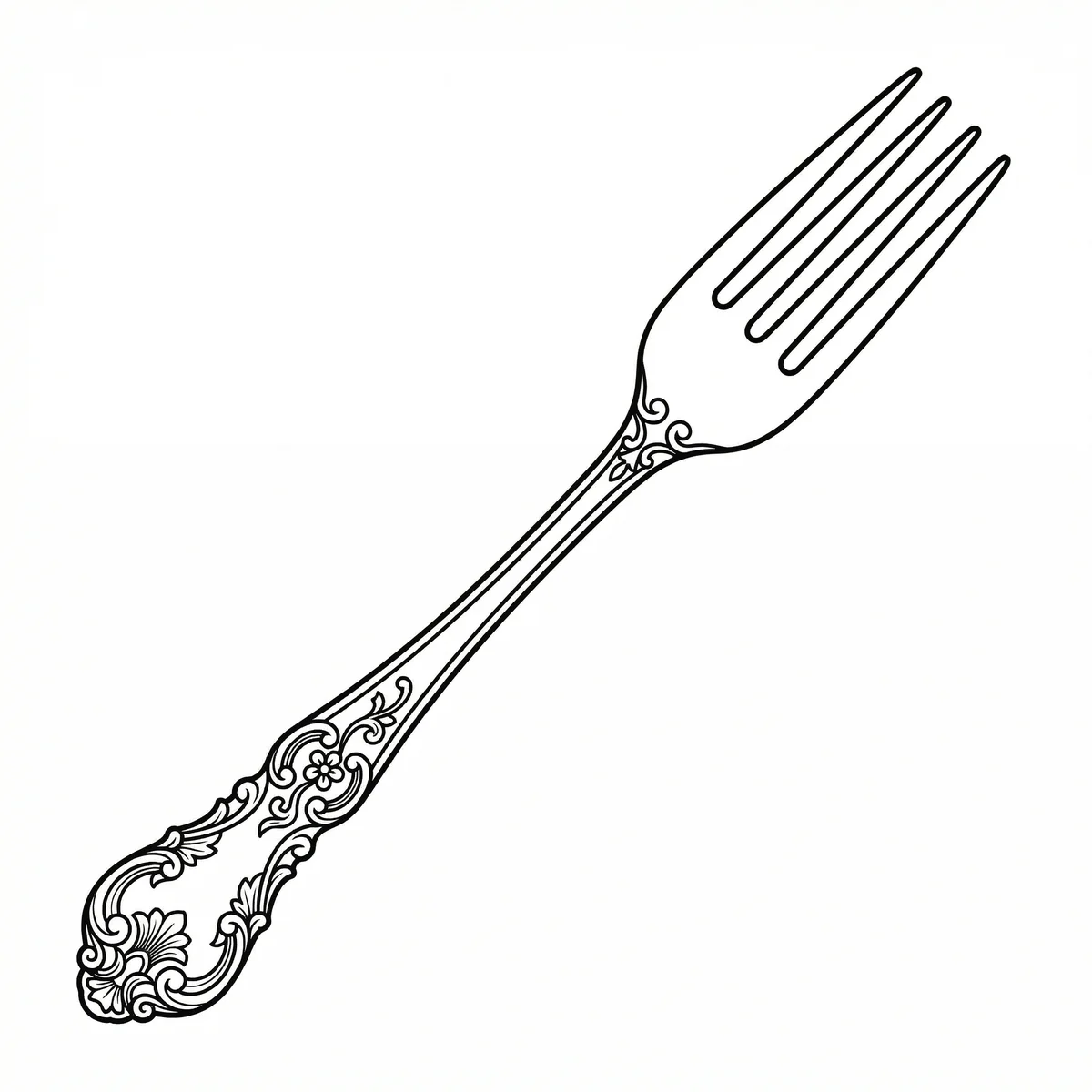
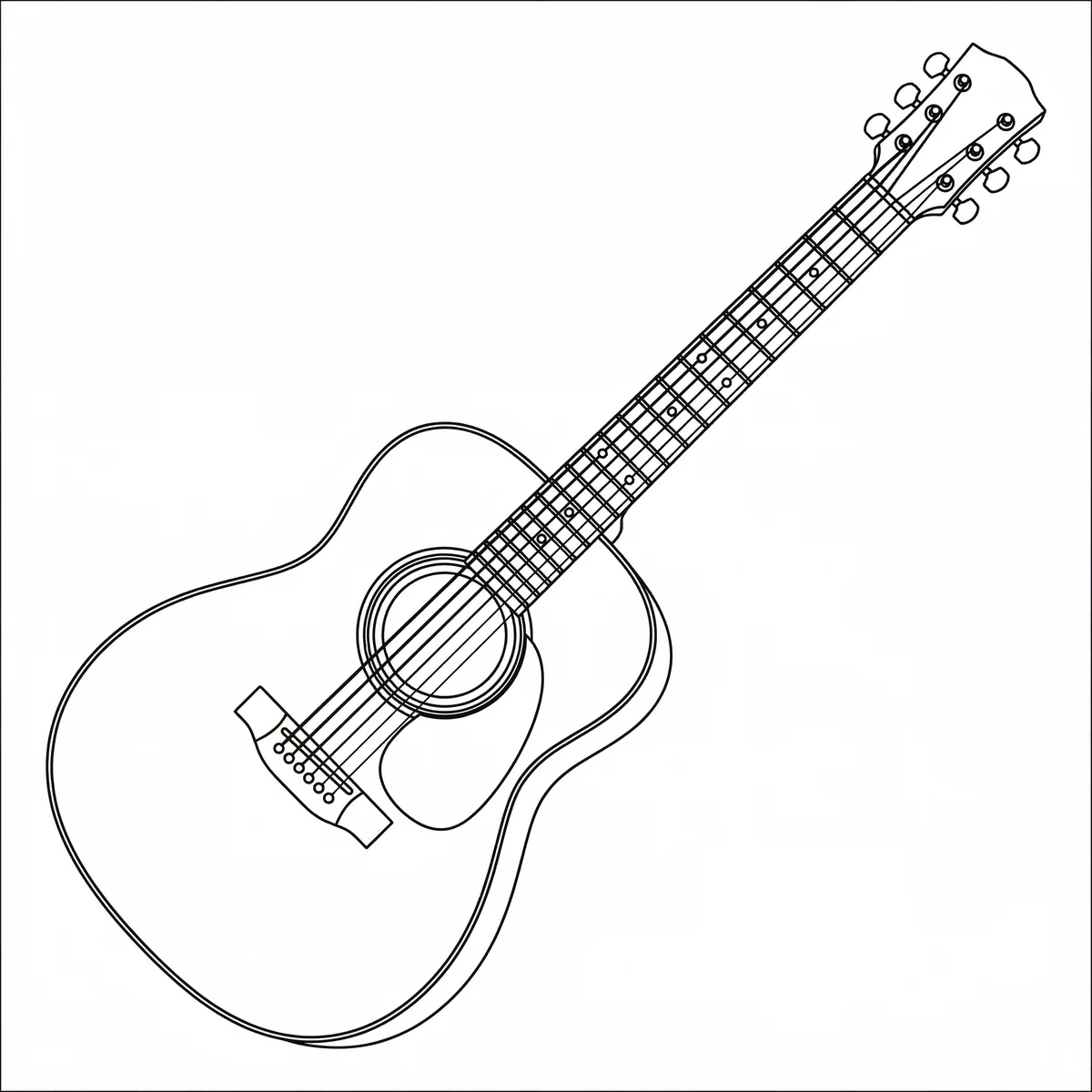
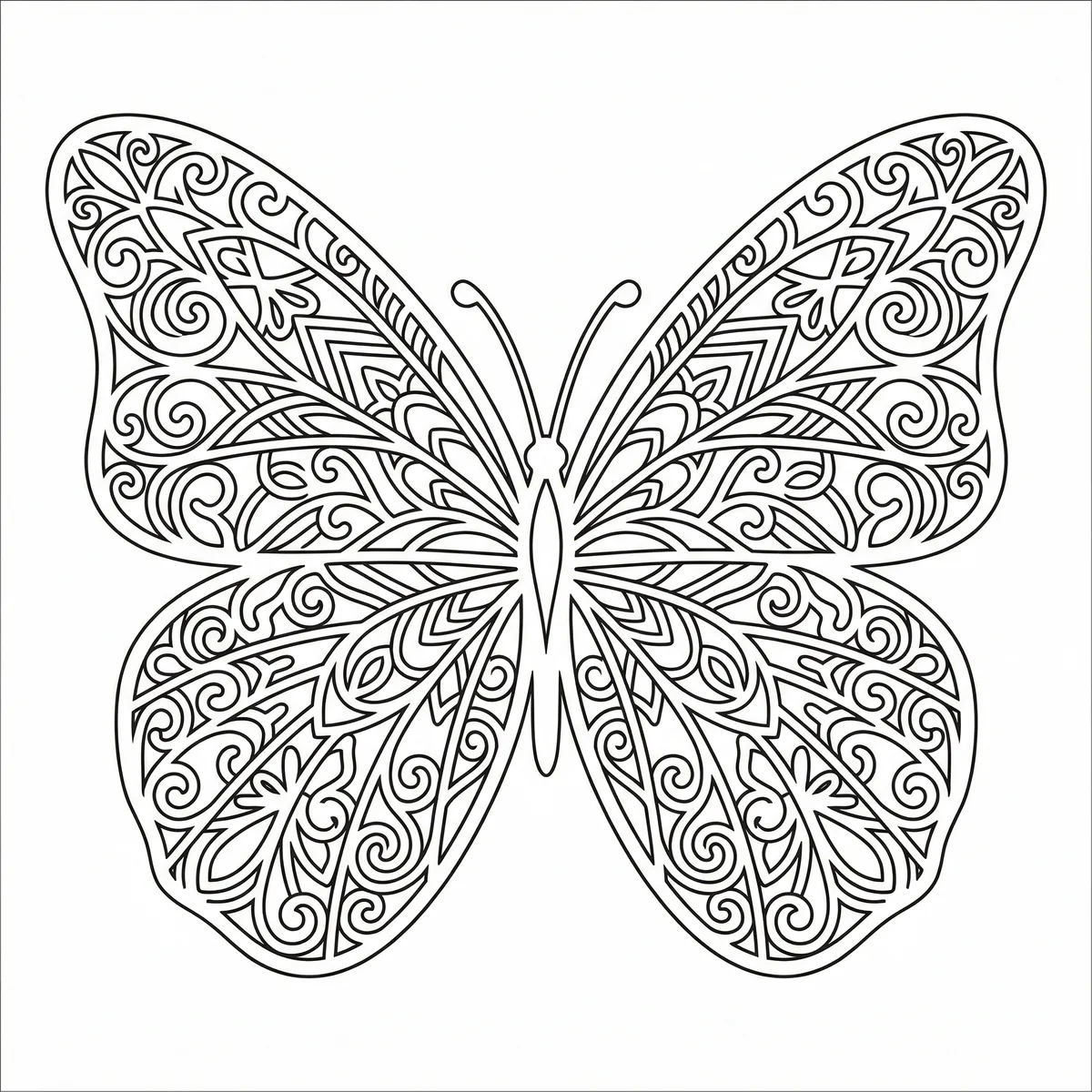
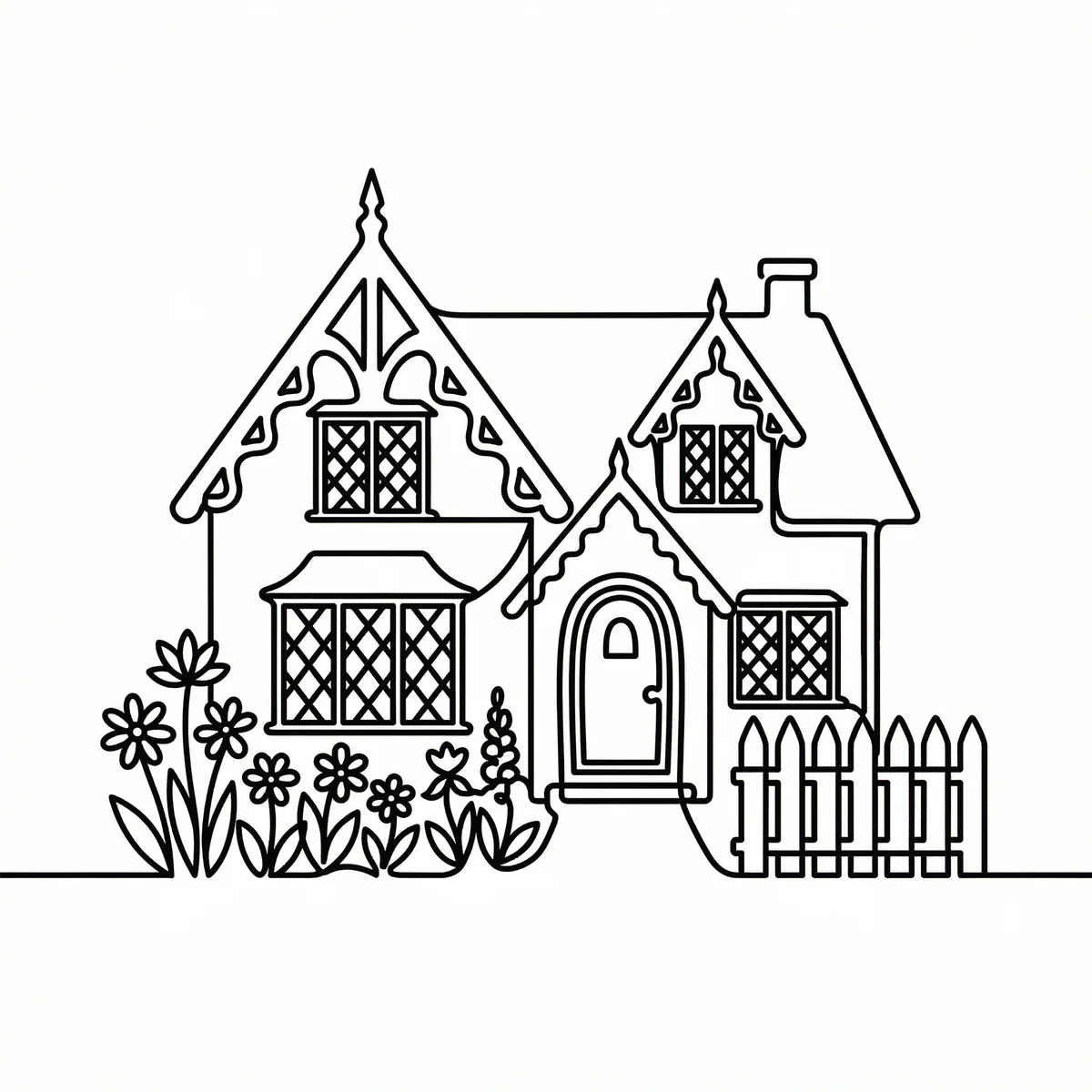
Click an image to see the generated DXF file
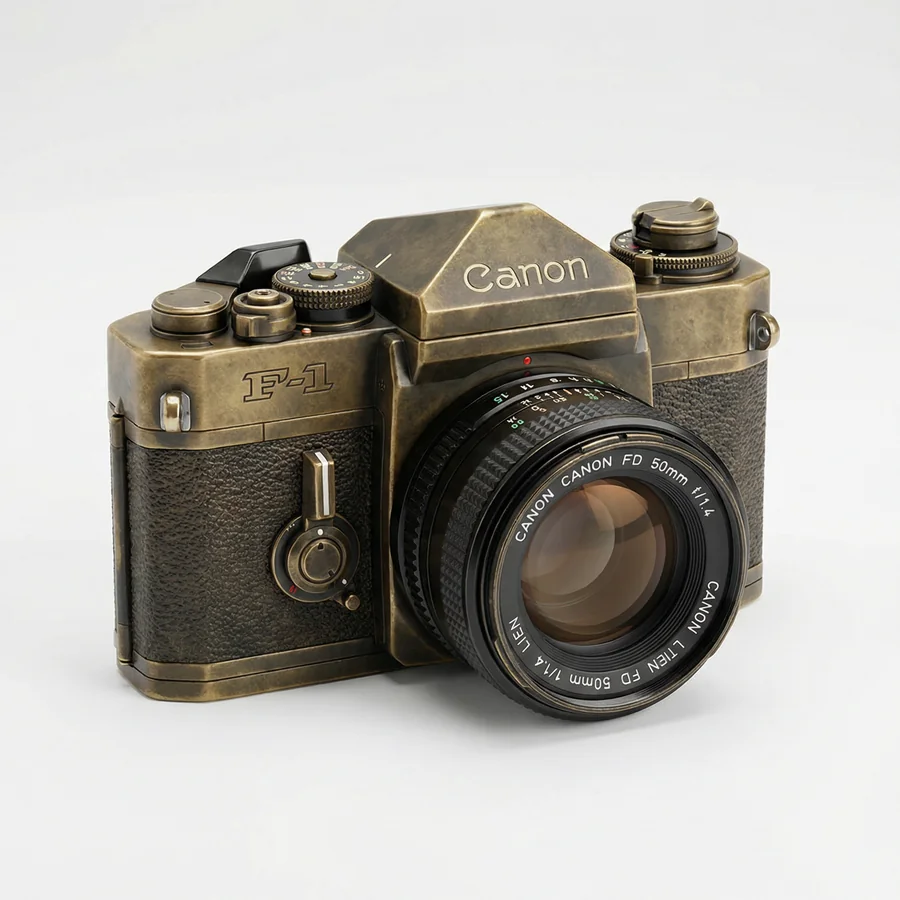
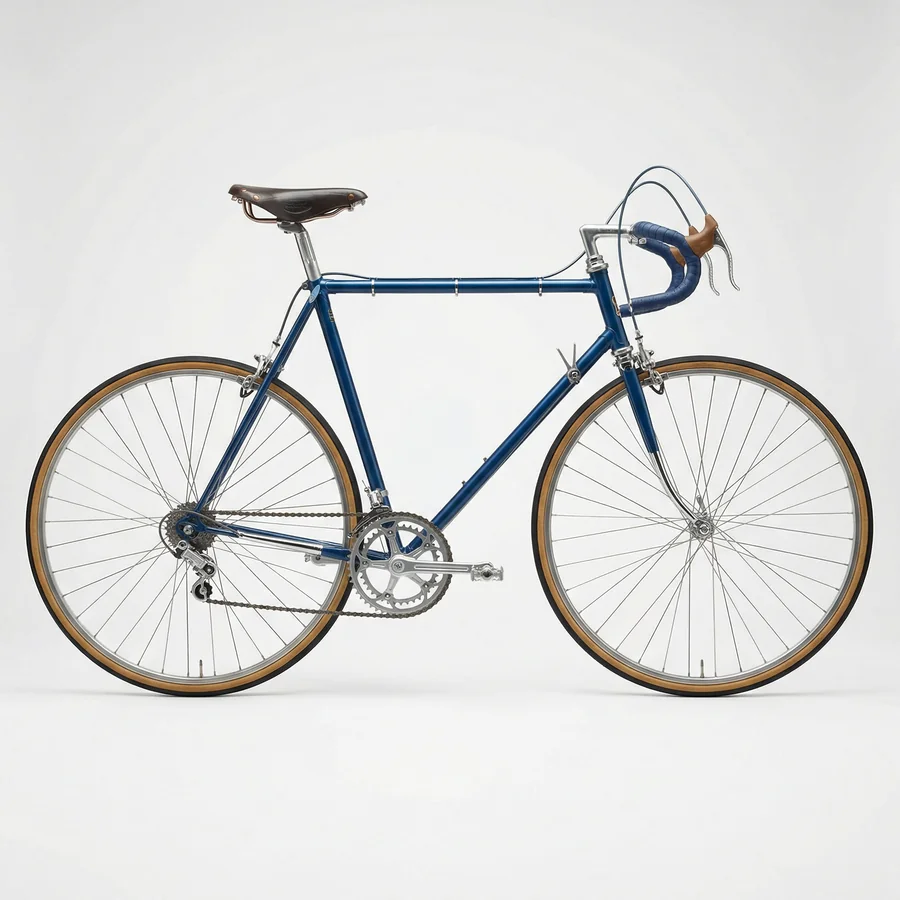
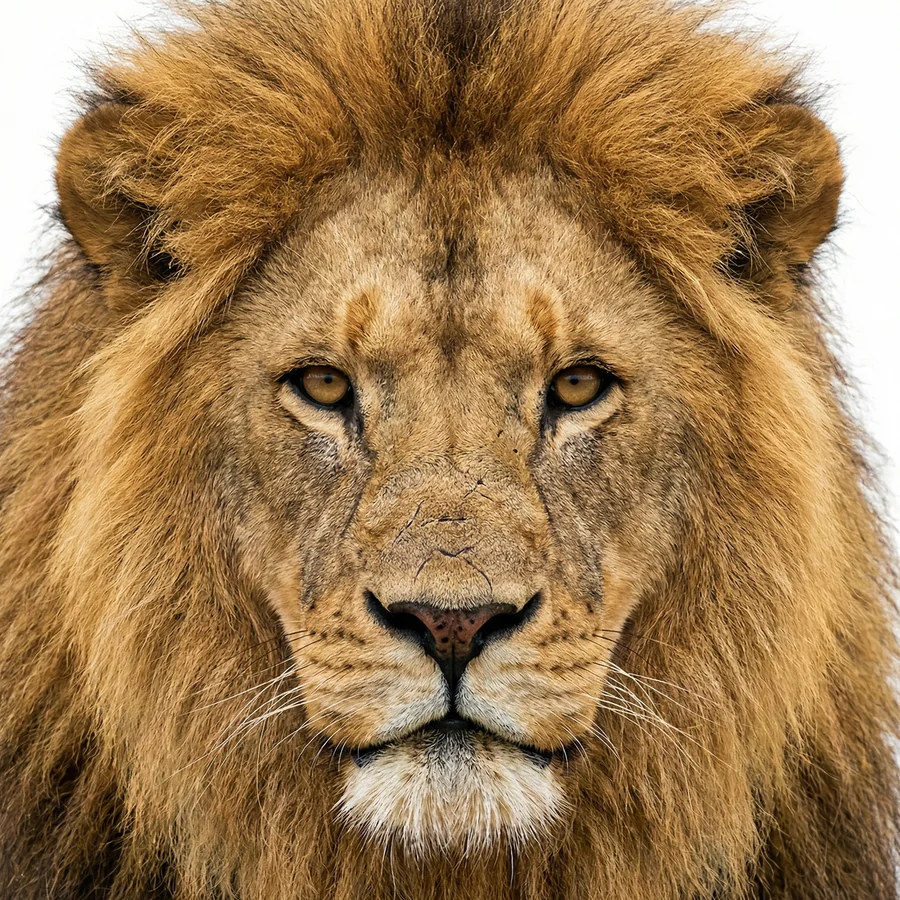
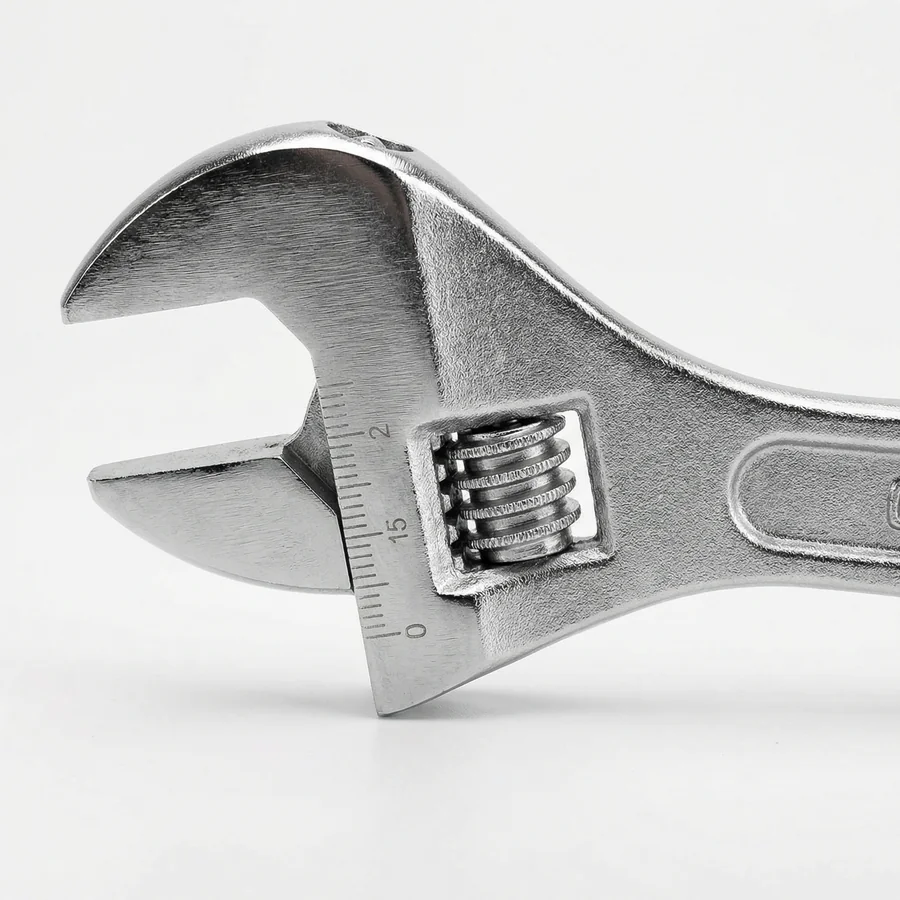
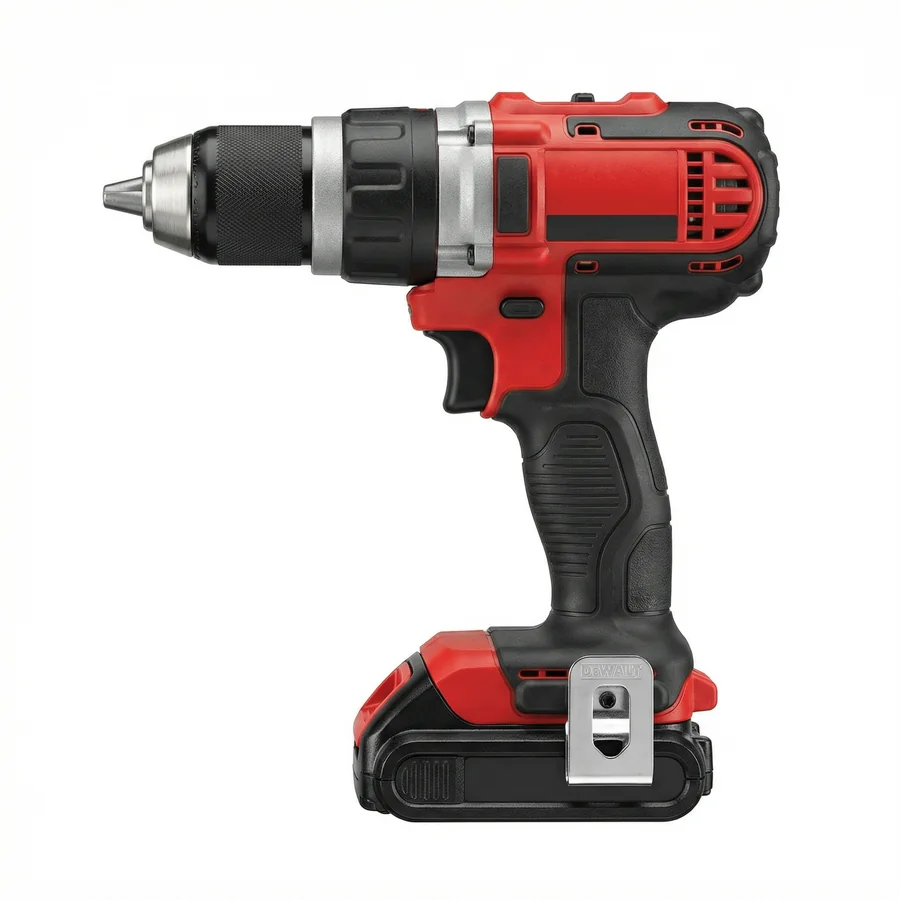
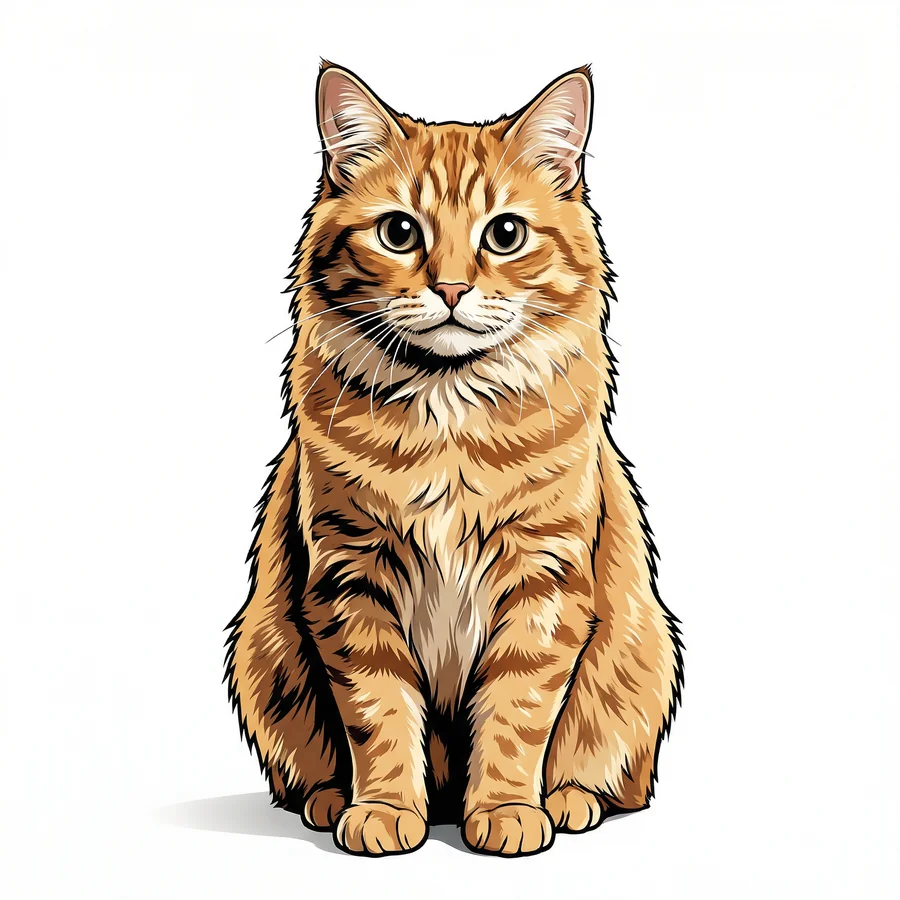
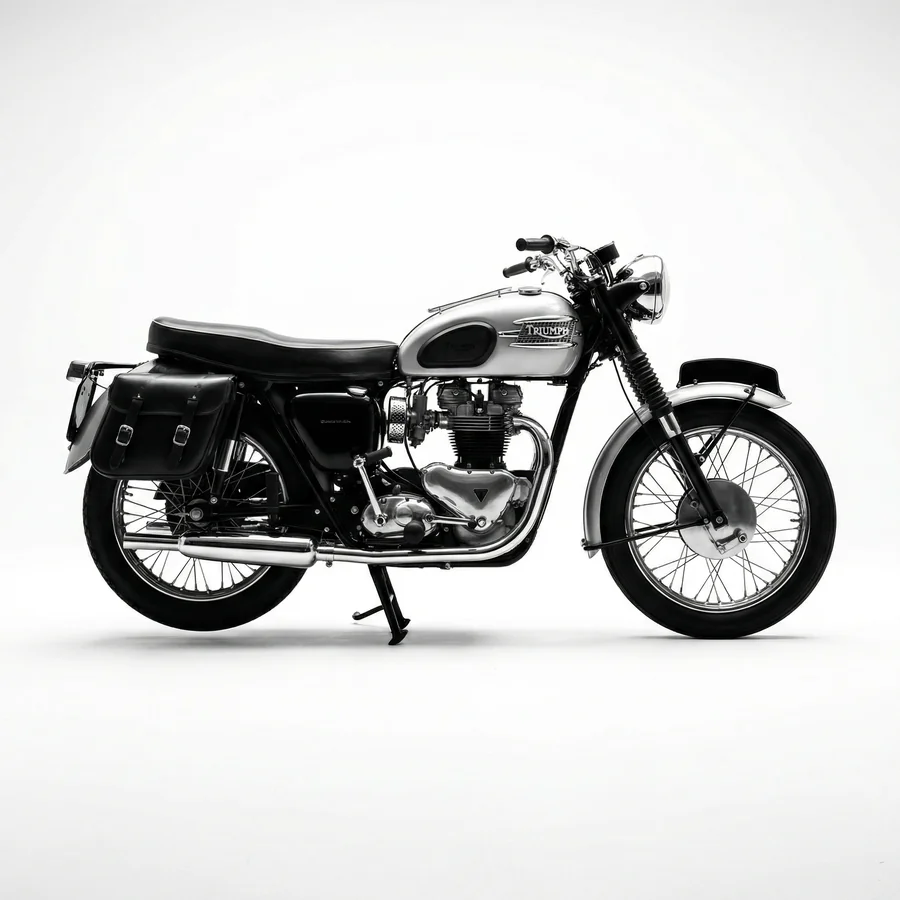

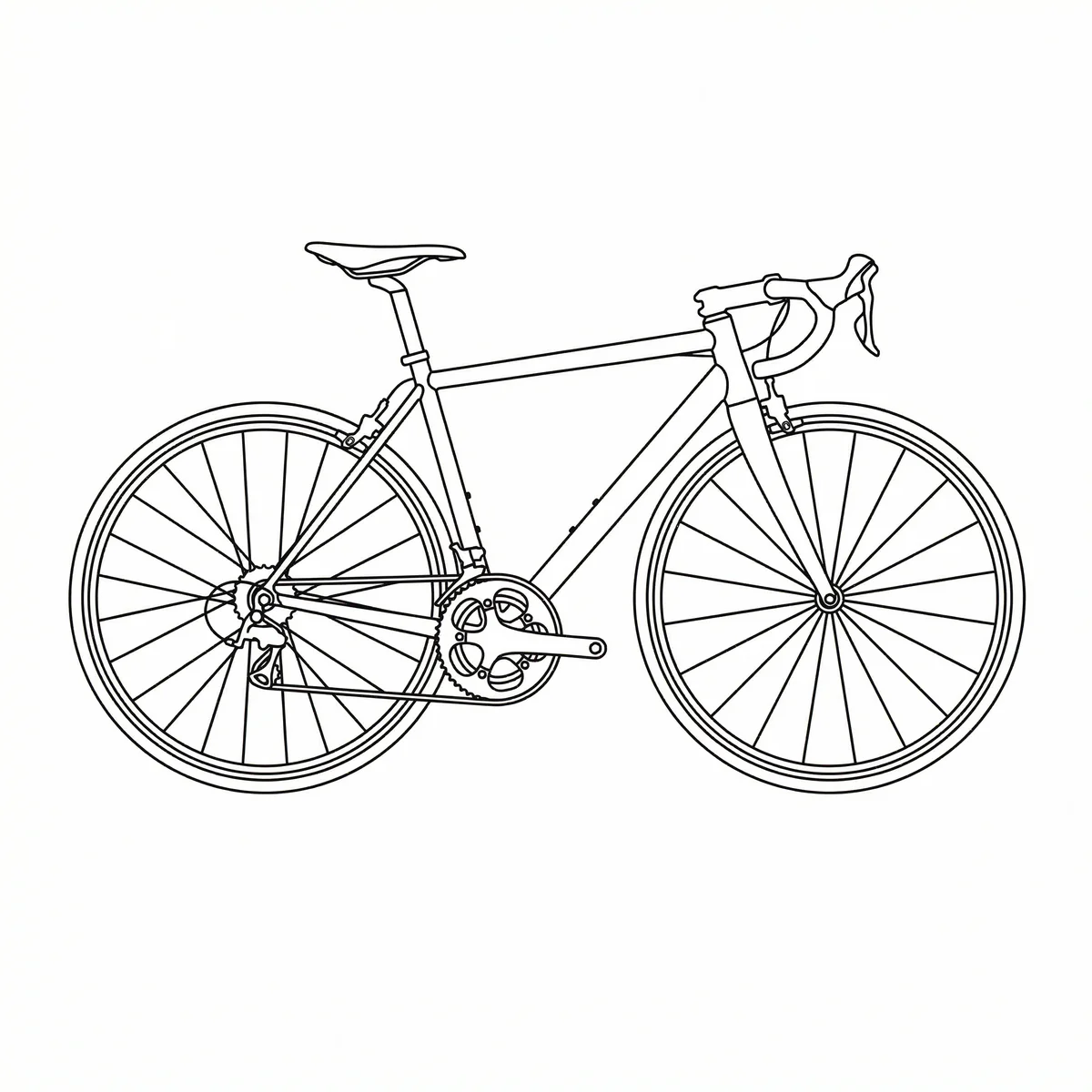
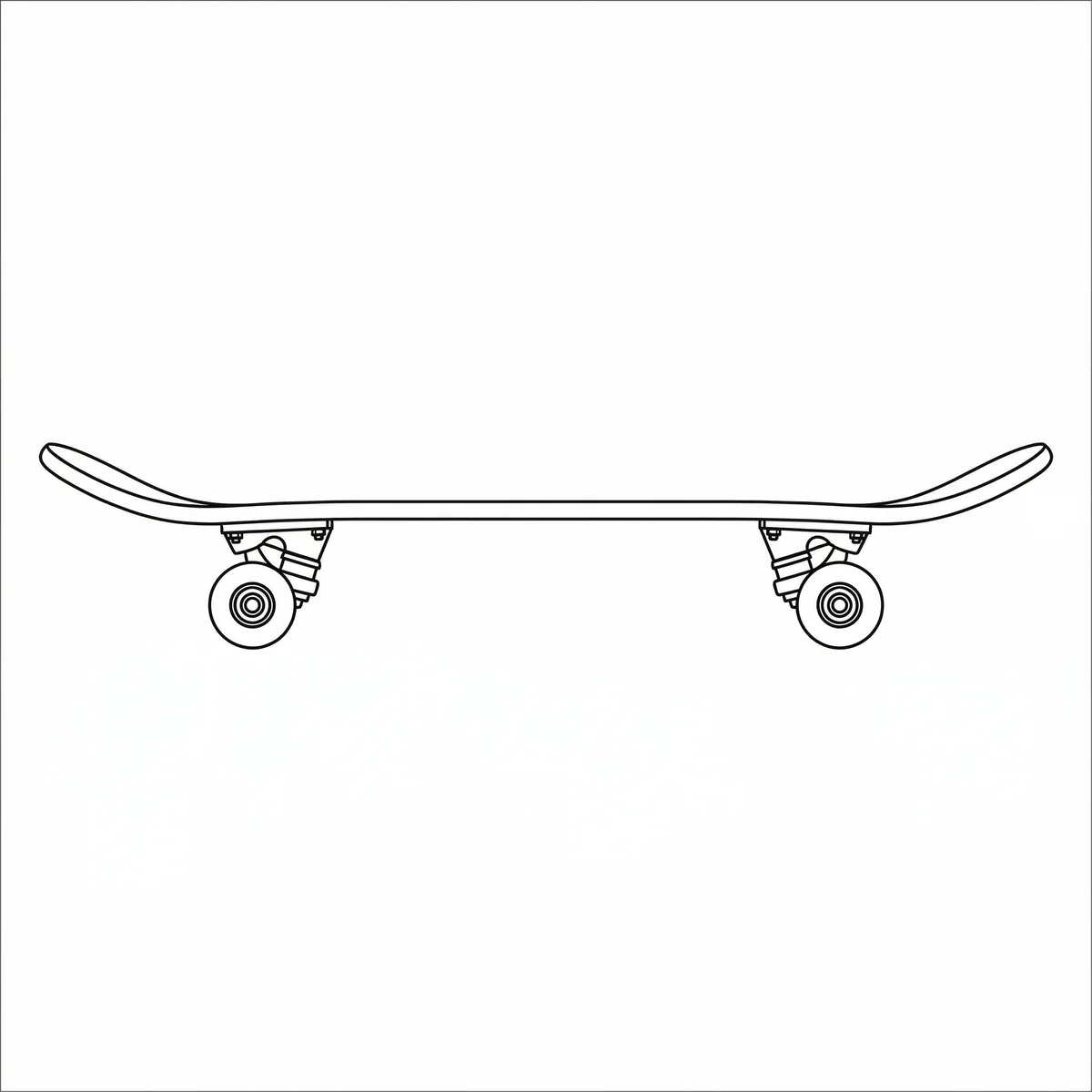
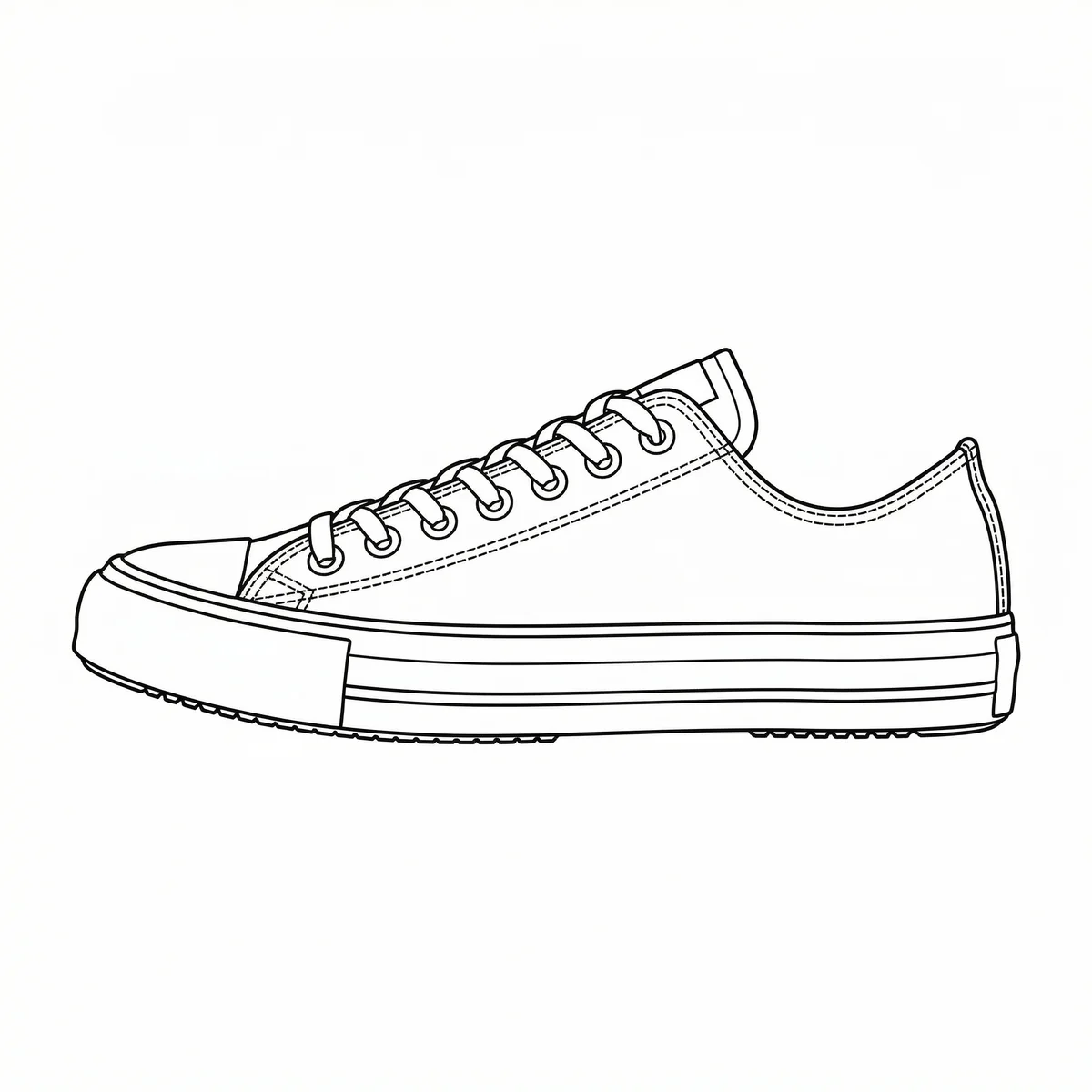
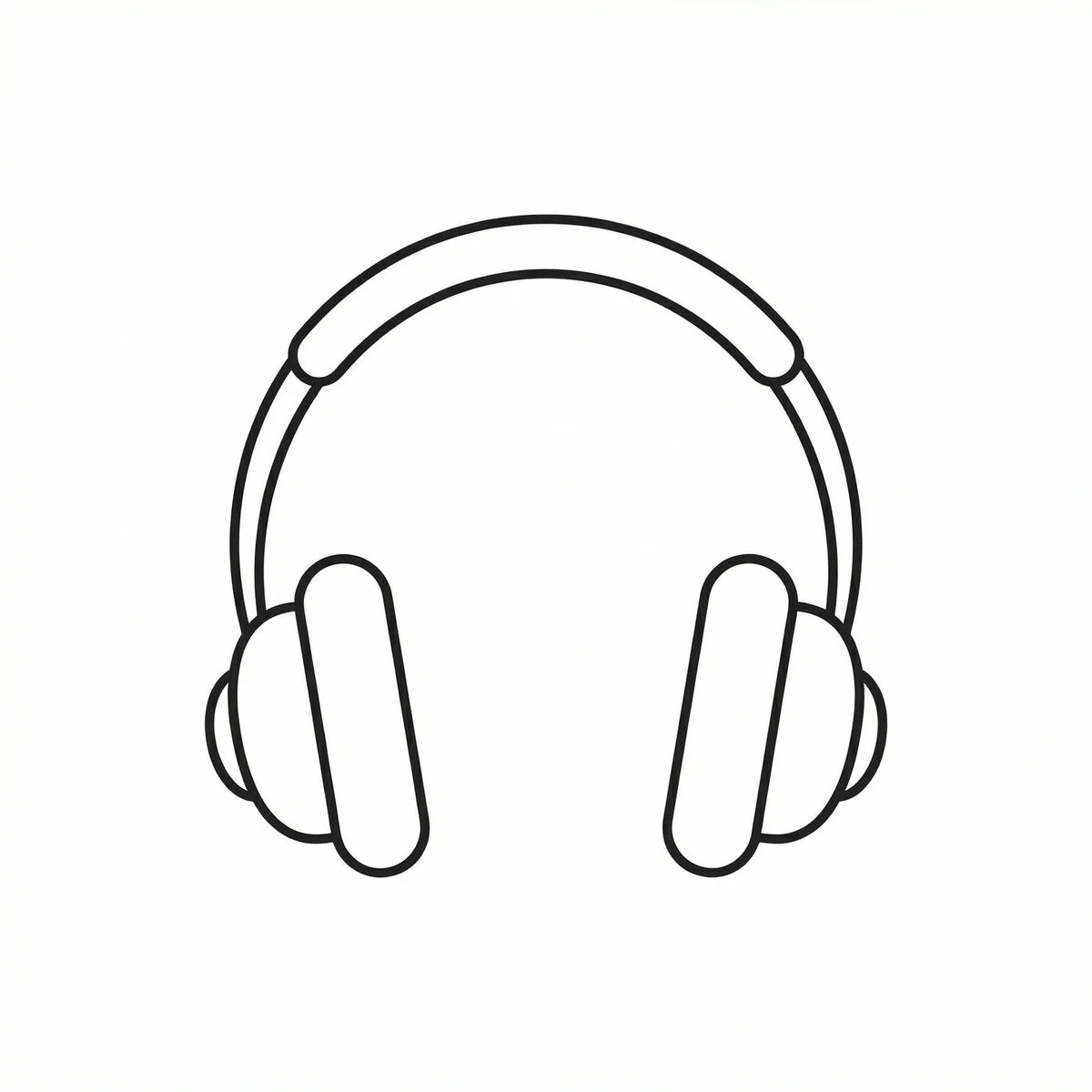
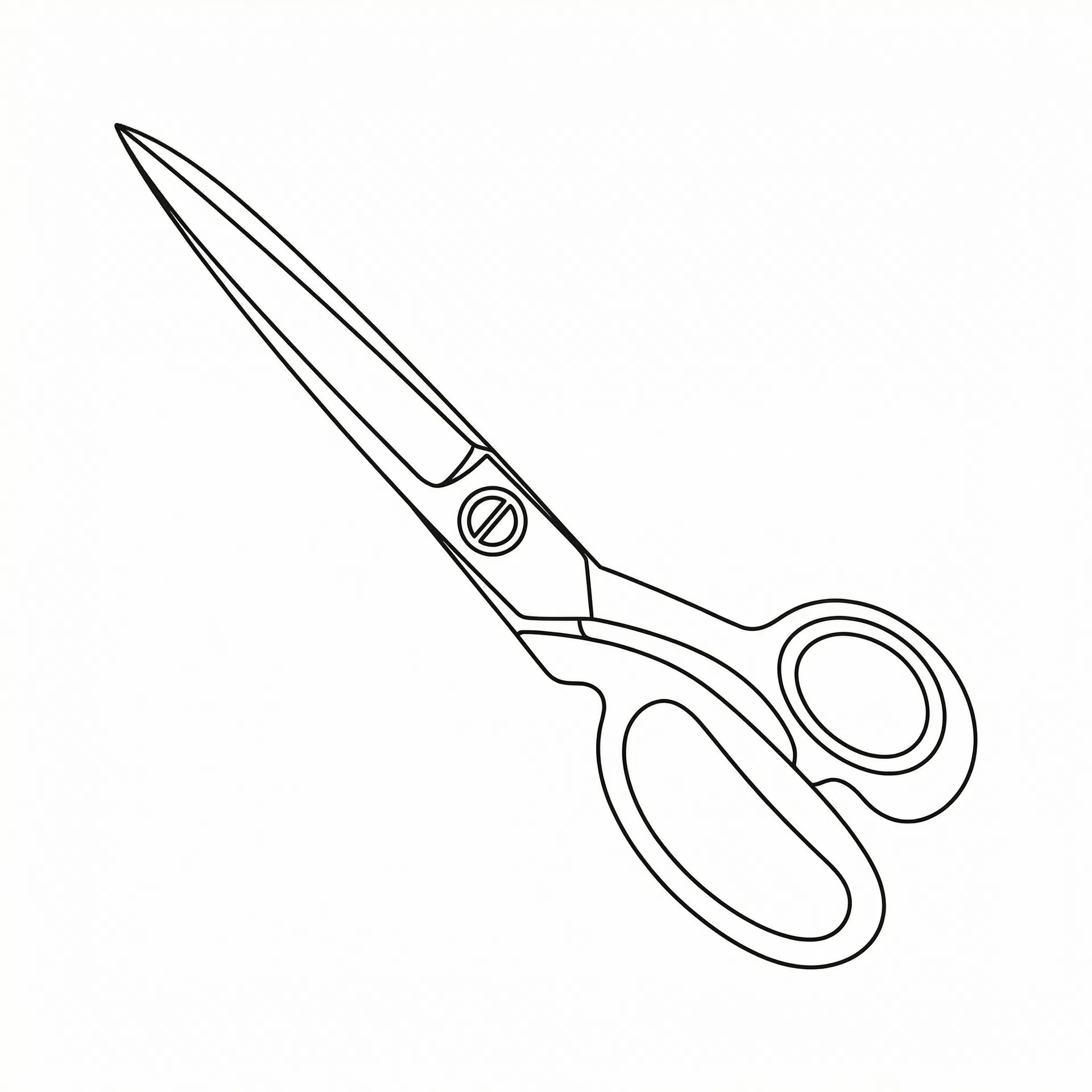
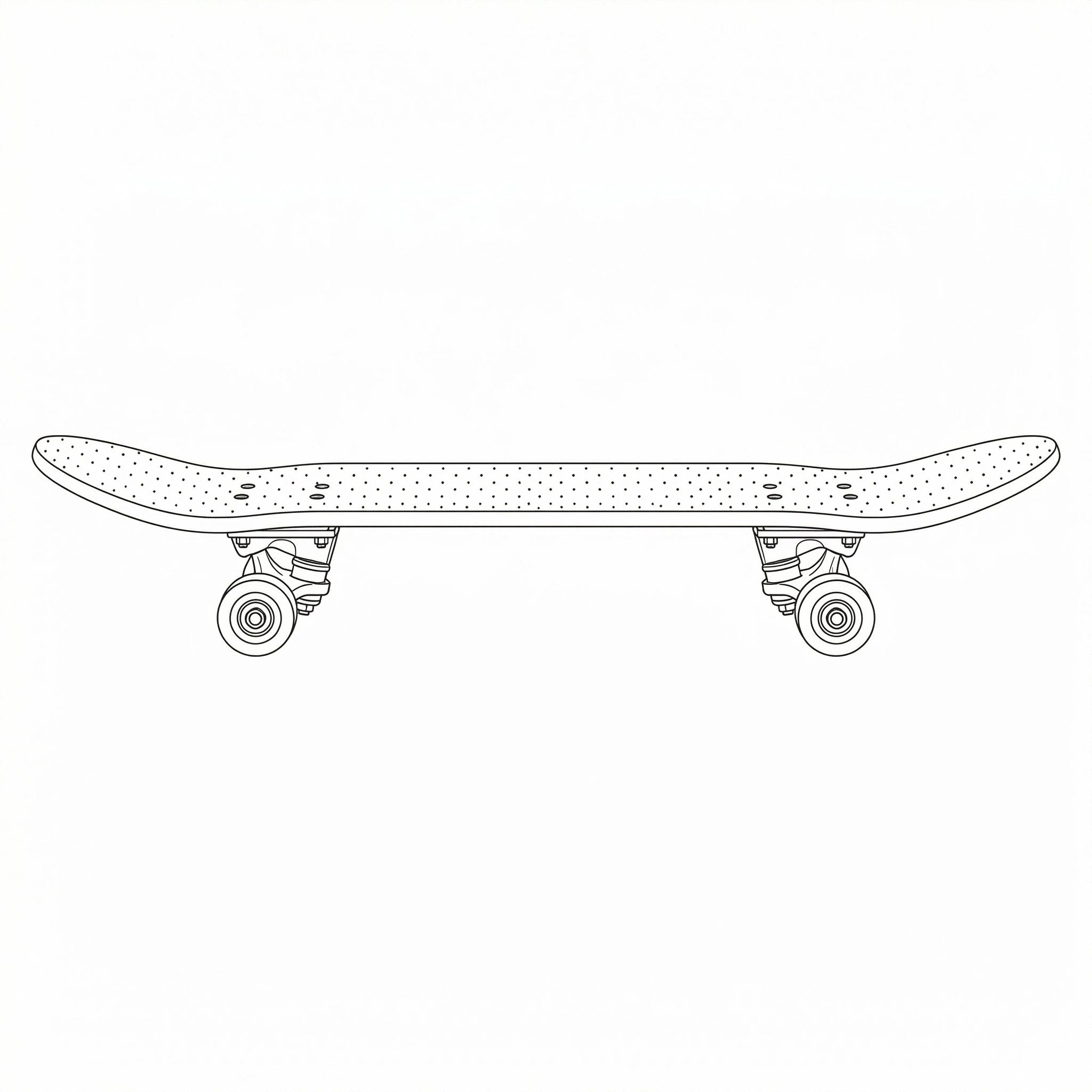
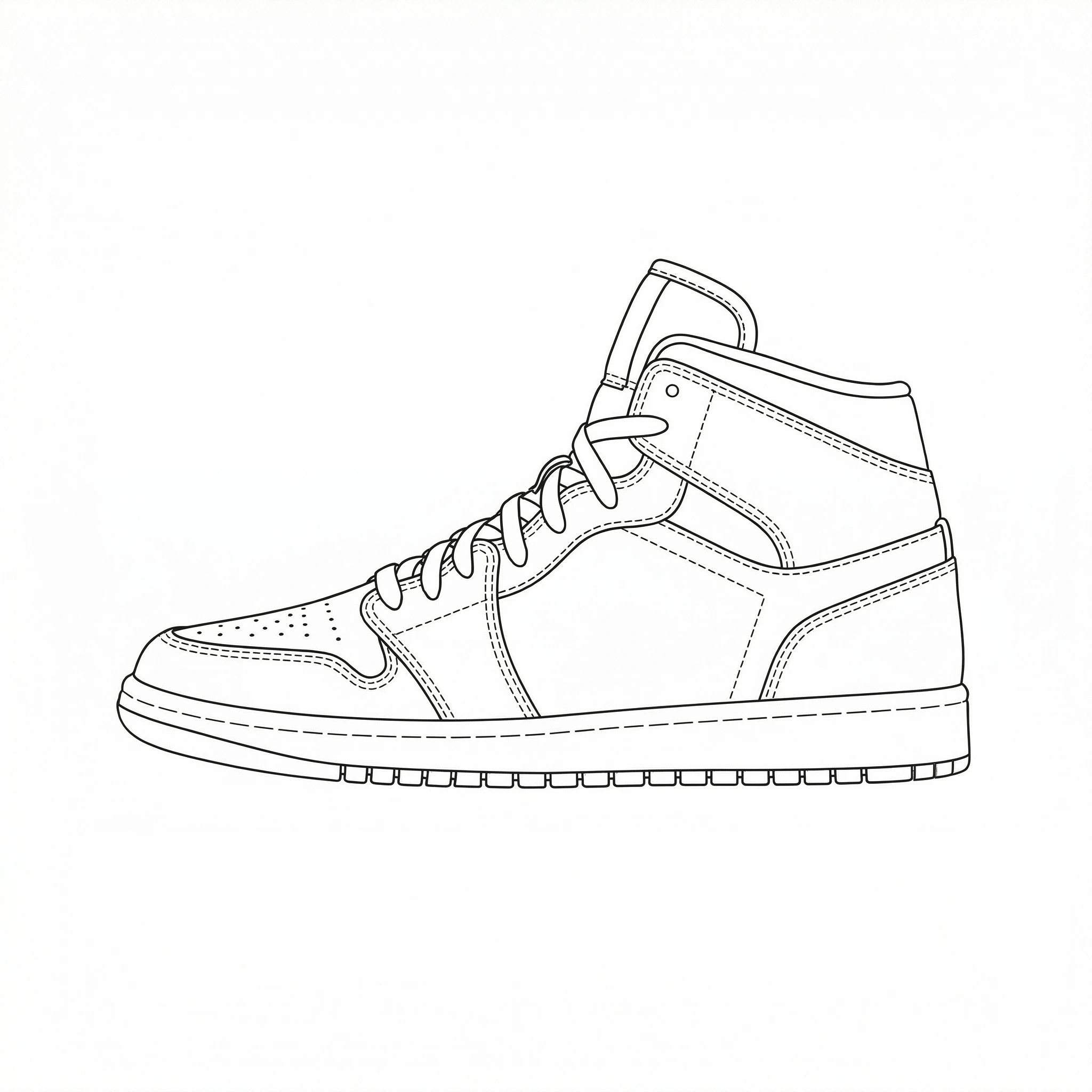
Click each image to toggle between original and DXF
Turn any photo into a stunning DXF portrait
AI detects faces and draws 3 line art variations — ready for engraving on wood, metal, glass and more




Create new designs from text description
Simply describe what you want — AI generates a DXF design ready for cutting
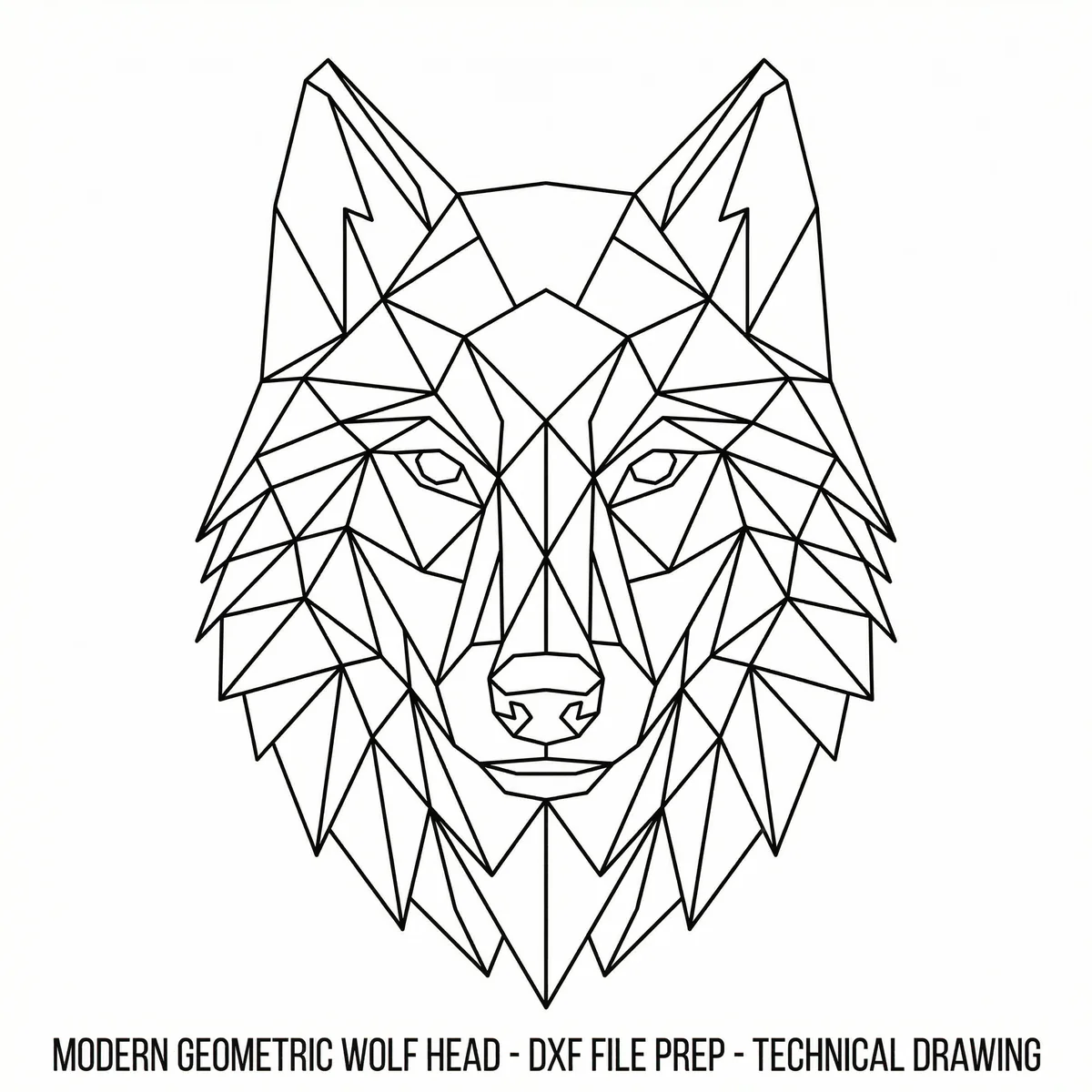
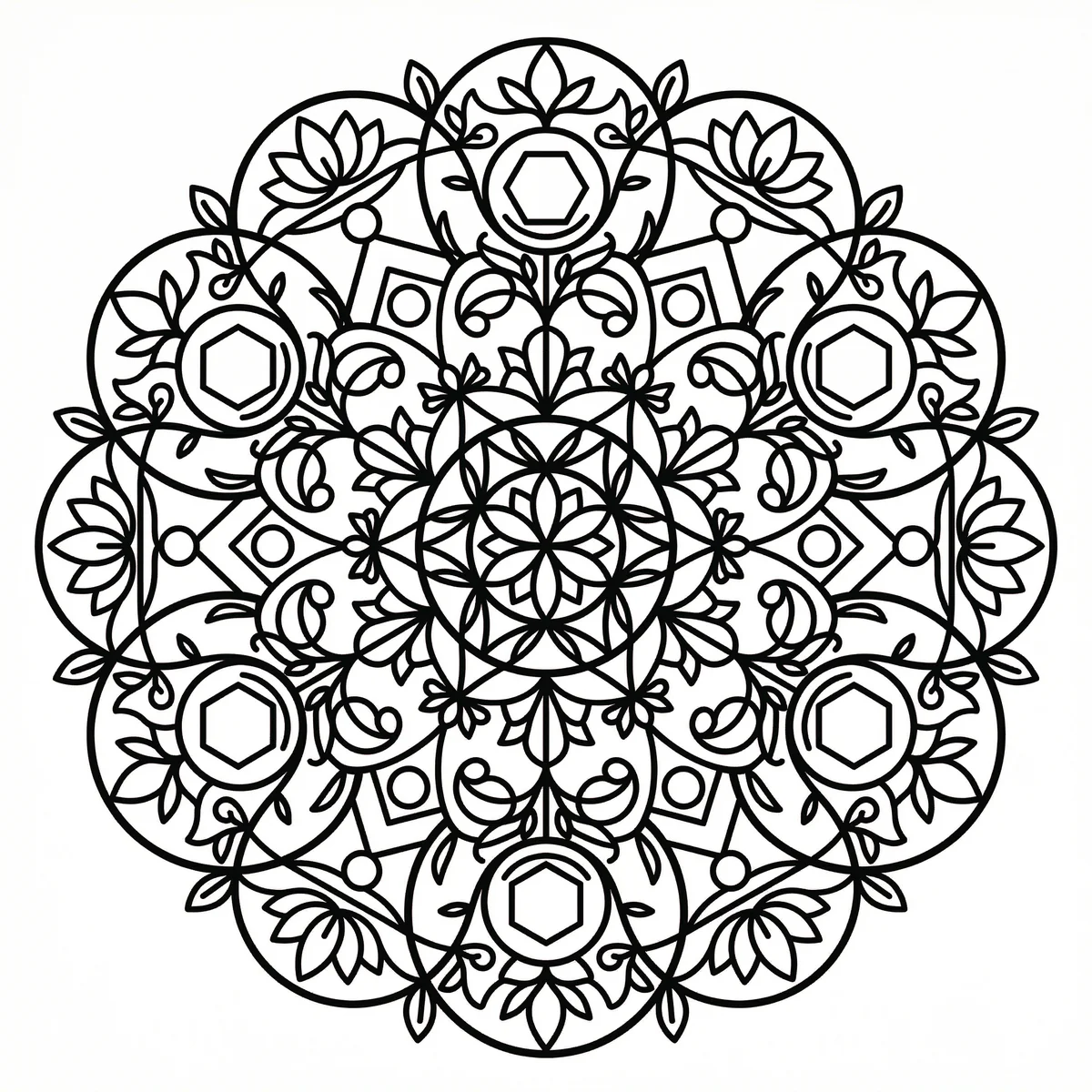

From Image to 3D Relief
Our AI converts any image into a precise 16-bit Heightmap — ready for any CAM software to carve a 3D relief on wood, stone, metal and more
Upload Image
Upload any photo or describe in text what you want to carve
AI Processes
AI identifies depths, shadows and details to create a precise Heightmap
Download HQ File
Get PNG 16bit at 3000-4000px resolution — ready for ArtCAM, Aspire, Fusion 360
Machine Carves
Import to CAM software, set depth and tool, and the machine carves a 3D relief
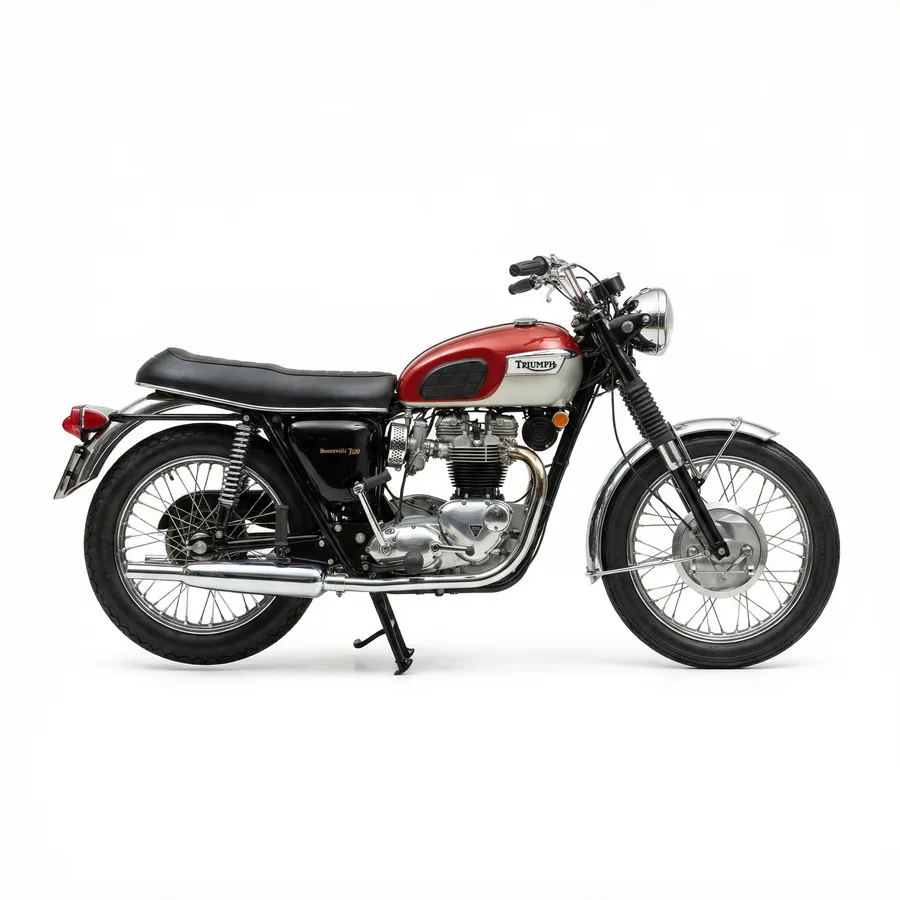
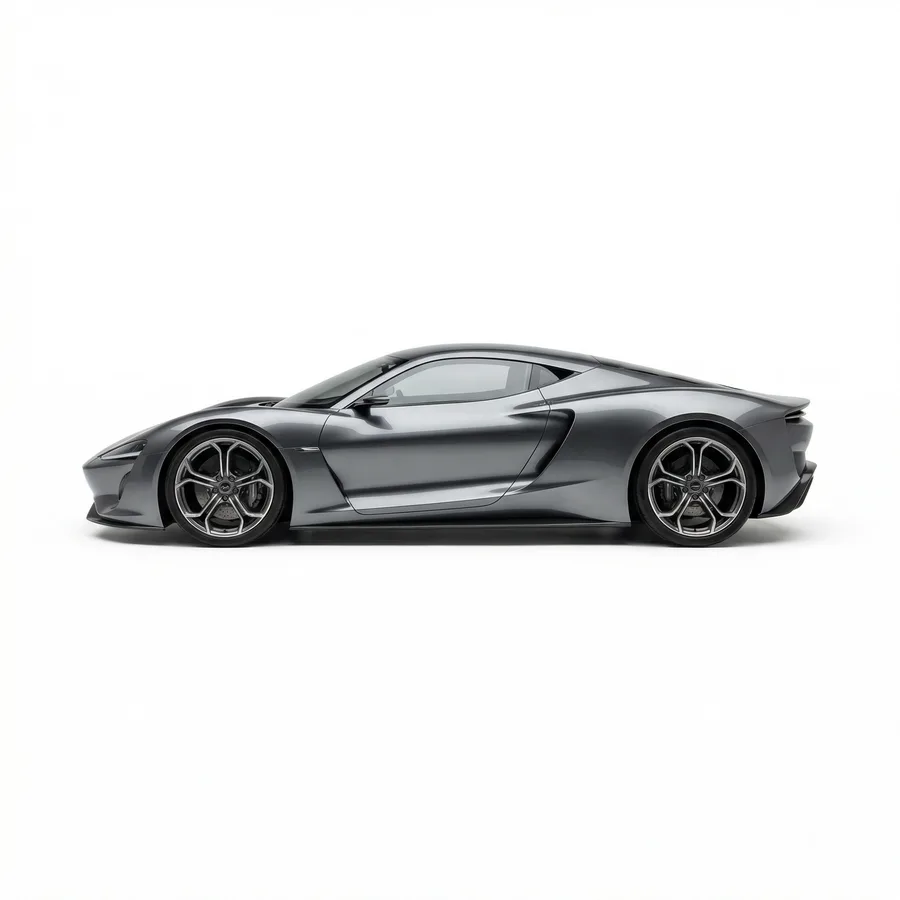
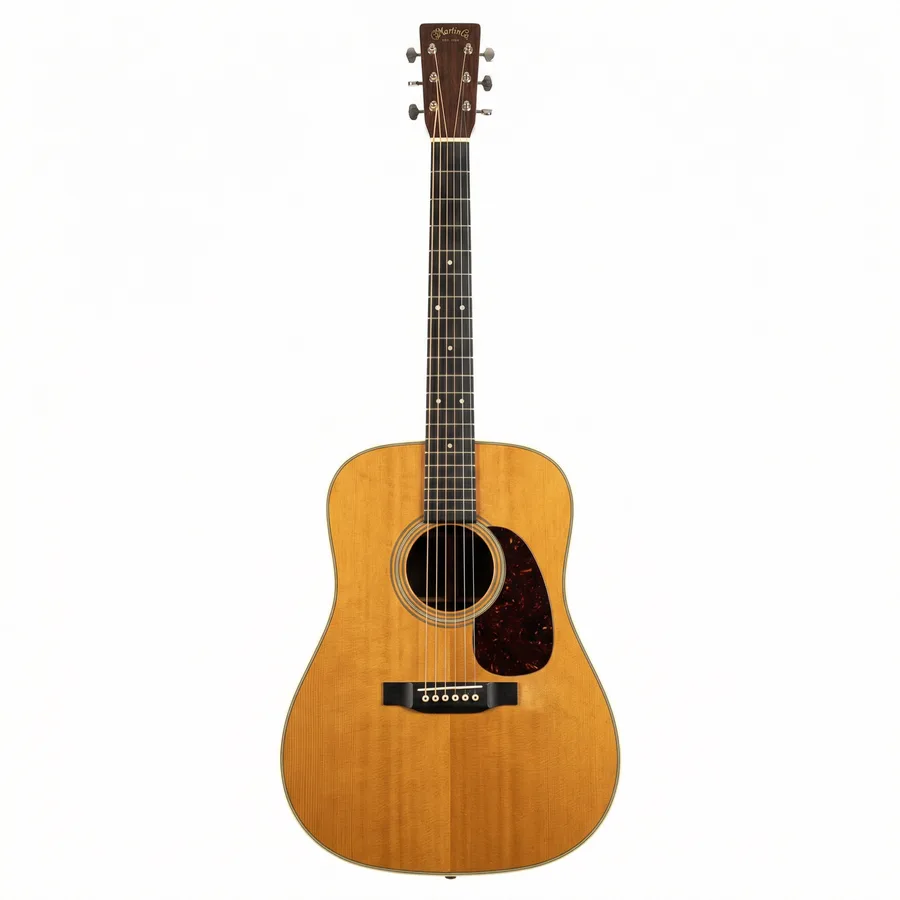


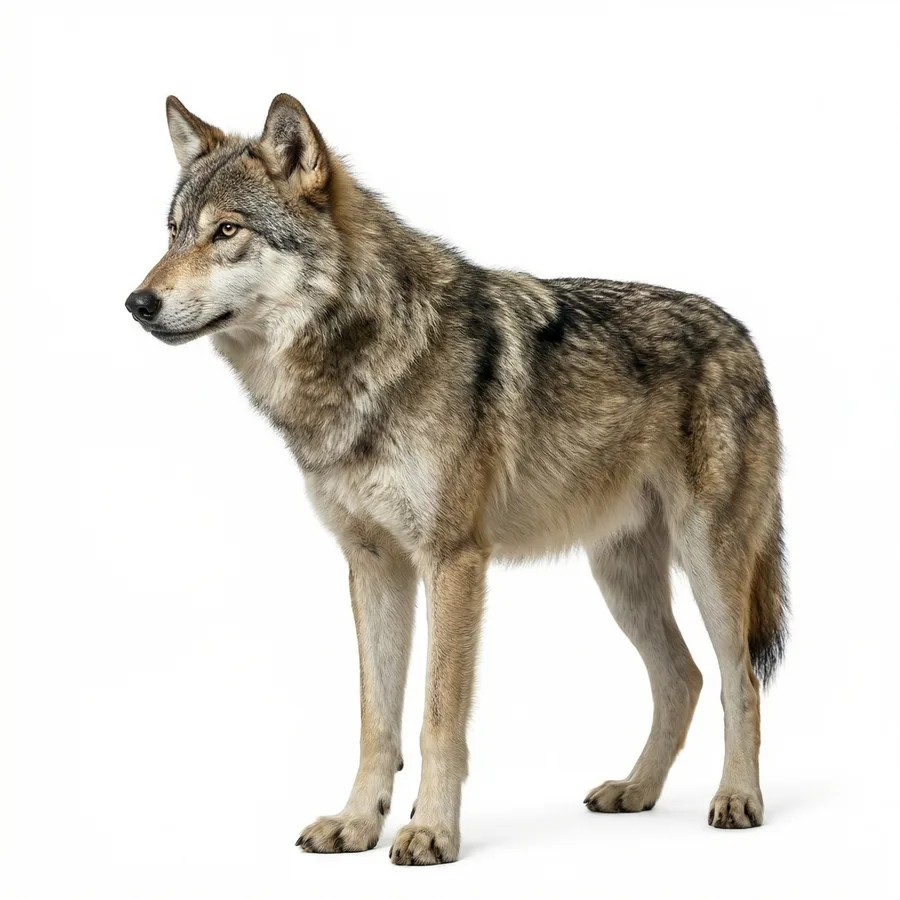

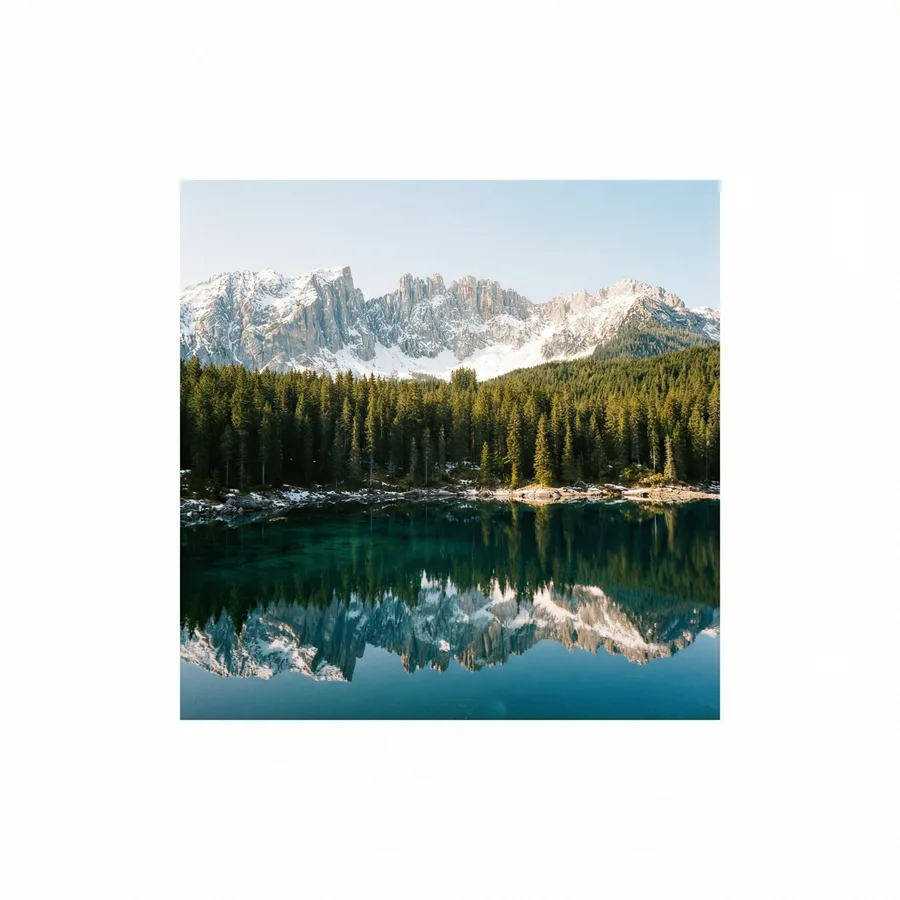
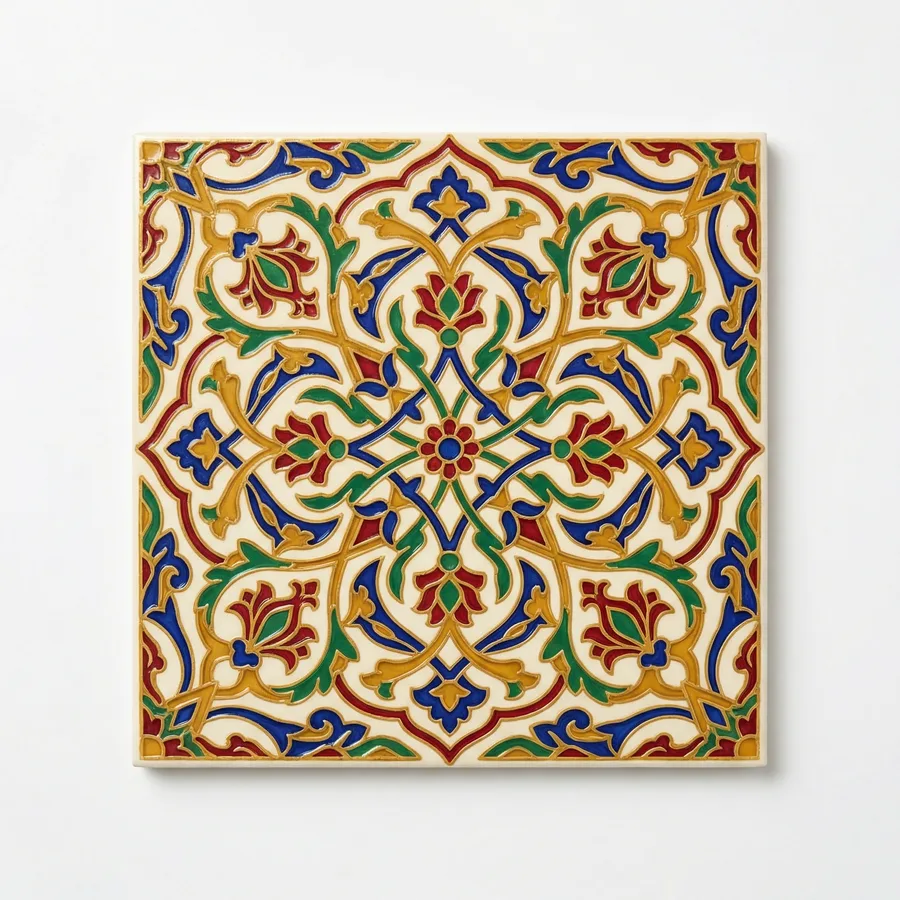
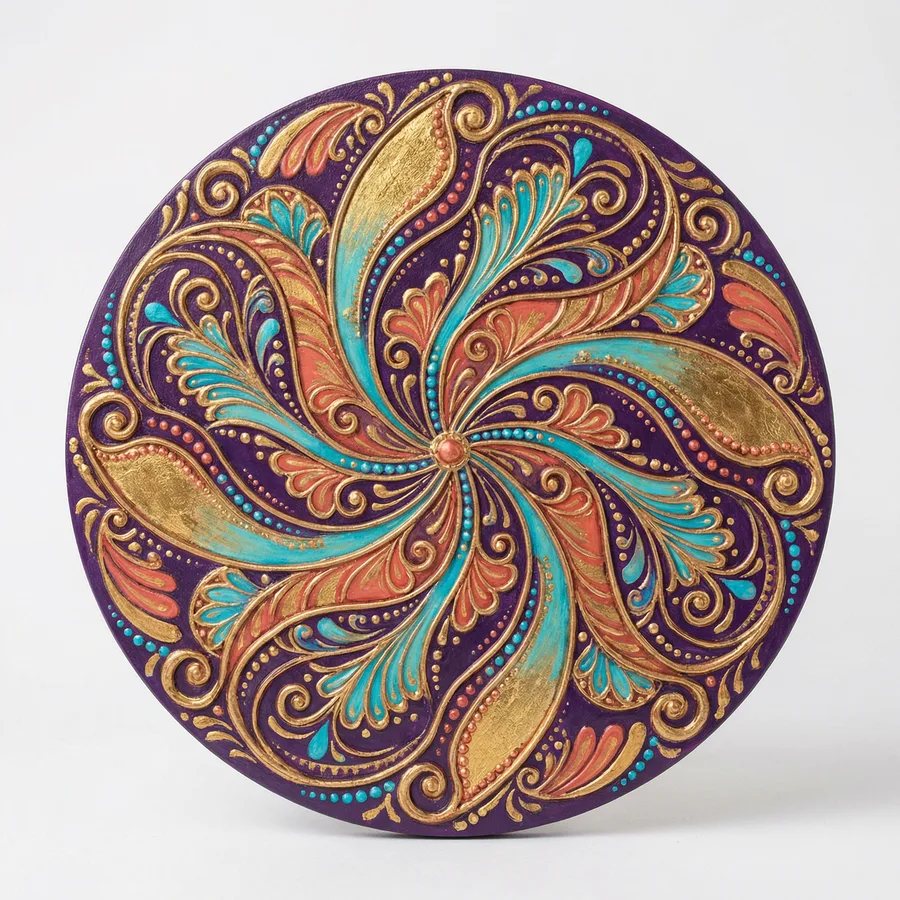
👁 Click any image to see the relief
Why choose AiDXF?
Professional processing & accuracy
Advanced AI algorithm generates clean, precise lines — no need to define processing time.
Compatible with all software
Standard DXF — works in Lightburn, AutoCAD, Fusion 360, Inkscape and more.
Fast & simple
Upload an image, get a DXF in seconds — no setup, no software, no prior knowledge.
Multi-language support
Interface available in Hebrew, English, Russian and more languages.
Secure payment
Secure payment via PayPal — no credit card details stored.
What users say
"Saved me hours of work. Upload an image and within seconds I have a DXF file ready for cutting. Worth every penny."
"I've used other tools but the quality here is much better. Lines are clean and the file works directly in Lightburn."
"The AI Trace feature is amazing — upload a logo image and get a precise vector file. Highly recommended."
"Sent a photo of my grandchild and got an amazing portrait for wood engraving. Accurate and fast."
Questions? We're here
Contact us for any question — we're happy to help with package selection, technical issues, or anything else.
📂 Free DXF Files for the Community
Download ready-to-cut DXF files for laser & CNC — designs, logos, decorations and more. All free!
📂Browse Free Files →No registration required to browse
Create Your First File
Create your first DXF file